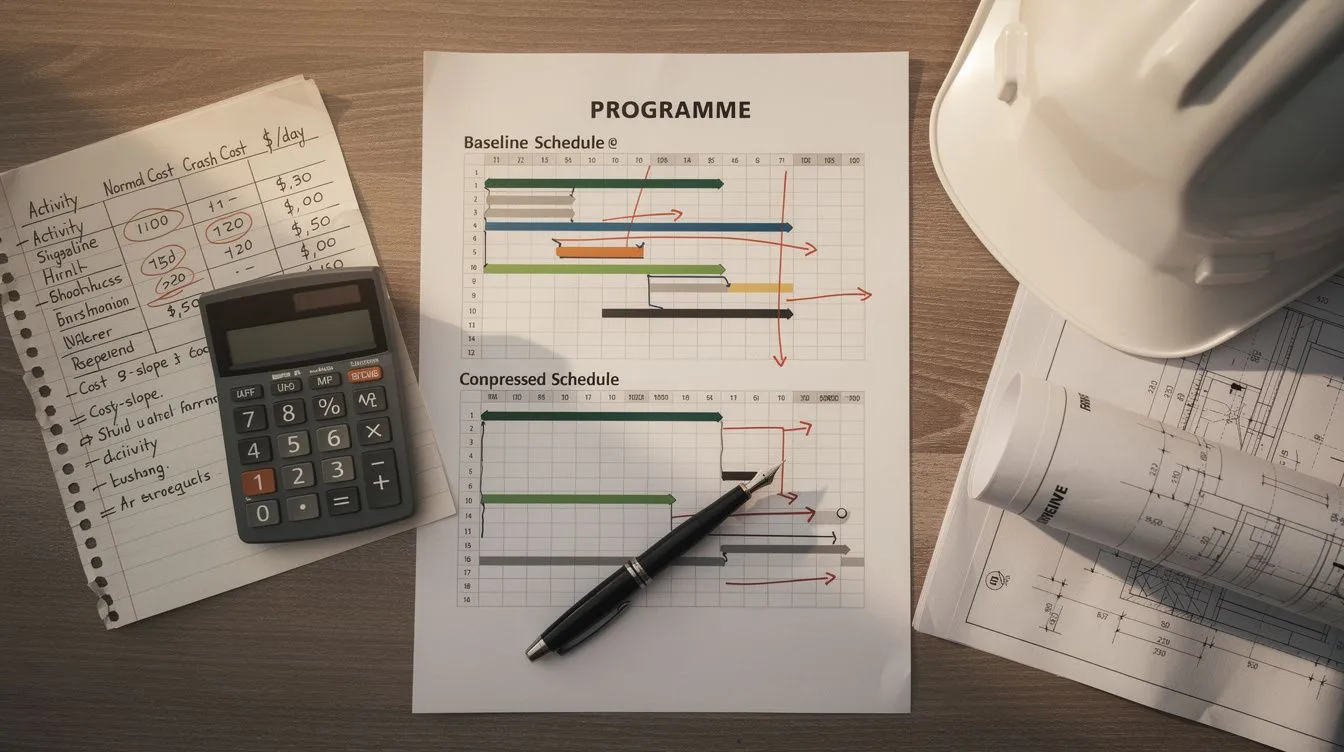
Schedule Compression in Construction: How to Fast Track, Crash and Recover Delay
Schedule compression in construction: fast tracking vs crashing, cost slope analysis with worked examples, the 8-step process, and when not to compress.
Your project is behind schedule. The completion date is fixed, liquidated damages are looming, and the client wants to know what you’re going to do about it. The answer is schedule compression: shortening the project duration without reducing scope.
There are two ways to compress a schedule. Fast tracking overlaps sequential activities so they run in parallel. Crashing adds resources to shorten individual activity durations. Both cost money. Both carry risk. And both only work if you compress the right activities on the critical path.
This guide walks through both methods with a decision framework for choosing which to apply, when, and on which activities. Whether you’re building the compression plan or reviewing one a contractor has submitted, the questions are the same: which activities control the date, what does recovery cost, and is the plan real or just optimistic. For the broader discipline of construction schedule analysis, compression is the practical response once you’ve identified and quantified a delay.
What actually moves the date: Compression only moves the completion date when it shortens the critical path. An activity with float has slack to spare, so compressing it shortens work that was never controlling the finish date, and the completion date stays put. The most expensive compression mistakes are the dollars spent on activities that were never critical in the first place.
What it means: Before you compress anything, you need to know which activities control the completion date. That requires critical path analysis, not guesswork.
What Is Schedule Compression?
Schedule compression is the process of shortening the project schedule without changing the project scope. The two primary techniques are:
| Technique | How It Works | What Changes |
|---|---|---|
| Fast tracking | Overlap activities that were planned sequentially | Logic relationships (FS becomes SS + lag) |
| Crashing | Add resources to shorten activity durations | Activity durations and resource assignments |
The critical principle: compression only works on the critical path. An activity with 20 days of float that you compress by 5 days still has 15 days of float. The completion date doesn’t move. For the guide to identifying the critical path, see our article on the critical path method in construction.
For understanding how float affects which activities can be compressed, see our guide to total float vs free float.
Compression is not free. Fast tracking increases coordination risk and rework probability. Crashing increases direct costs and may reduce productivity. The decision to compress is a trade-off between the cost of compression and the cost of the delay it avoids.
Fast Tracking: Overlapping Sequential Activities
Fast tracking means performing activities in parallel that were originally planned to happen one after the other. Instead of waiting for design to finish before starting construction, you begin construction while design is still in progress.
When fast tracking works
Fast tracking is most effective when:
- Activities have Finish-to-Start relationships that could reasonably overlap
- The downstream activity can start with partial information from the upstream activity
- Coordination between overlapping trades is manageable
- The project has sufficient supervisory resources to manage parallel work
Types of fast tracking in construction
| Type | Example | Risk Level |
|---|---|---|
| Design-construction overlap | Start foundations before full structural design is complete | Medium |
| Multi-trade stacking | MEP rough-in overlapping with structural work | High |
| Parallel processing | Multiple work fronts operating simultaneously on different sections | Medium |
| Procurement acceleration | Order long-lead items before final design is frozen | Low |
Risks of fast tracking
- Rework from design changes. If you start construction before design is frozen and the design changes, the built work may need to be demolished and redone.
- Coordination complexity. More activities happening simultaneously means more interfaces to manage and more potential for conflicts.
- Safety risks. Overcrowded work areas with multiple trades operating simultaneously increase incident rates.
- Quality degradation. Rushed or overlapping work is more likely to have defects.
Fast tracking saves time on paper. Whether it saves time in practice depends on how well the overlapping work is coordinated and whether rework erases the gains.
Resource Crashing to Shorten Activity Durations
Crashing means adding resources to reduce the duration of individual activities. More workers, more equipment, extended hours, or expedited materials can all shorten an activity’s duration.
When crashing works
Crashing is most effective when:
- The activity is resource-driven (more resources genuinely shorten the duration)
- The work front can accommodate additional resources without overcrowding
- The cost of adding resources is less than the cost of the delay being avoided
- Overtime or premium rates are available and productive
Cost slope analysis
Cost slope tells you how much it costs to save one unit of time on an activity. It’s the single most important calculation for effective crashing.
Formula:
Cost Slope = (Crash Cost - Normal Cost) / (Normal Duration - Crash Duration)
Worked example:
| Activity | Normal Duration | Normal Cost | Crash Duration | Crash Cost | Cost Slope |
|---|---|---|---|---|---|
| Concrete pour | 10 days | $80,000 | 6 days | $120,000 | $10,000/day |
| Steel erection | 15 days | $150,000 | 10 days | $200,000 | $10,000/day |
| MEP rough-in | 20 days | $200,000 | 14 days | $248,000 | $8,000/day |
| Drywall installation | 12 days | $60,000 | 8 days | $84,000 | $6,000/day |
| Fit-out | 18 days | $90,000 | 12 days | $132,000 | $7,000/day |
Always crash the lowest cost-slope activity on the critical path first. In this example, drywall installation at $6,000/day gives you the cheapest time recovery. Keep crashing activities in cost-slope order until you have recovered enough time or until the next activity’s cost slope exceeds the cost of the delay you are avoiding.
Risks of crashing
- Diminishing returns. Adding people to a late task can make it later if the new people need training, orientation, and coordination.
- Productivity loss from overcrowding. More workers on a constrained work front don’t produce proportionally more output.
- Quality degradation. Rushed work is more likely to contain defects that require rework later.
- Safety incidents. Fatigue from extended hours and overcrowding from additional crews both increase incident rates.
For the analysis techniques that help you decide whether compression is worthwhile, see our guide to schedule risk analysis.
The Step-by-Step Compression Decision Process
Step 1: confirm you have a real delay
Before compressing, verify the project is genuinely behind schedule. Compare the current schedule against the baseline. A project that appears behind on individual activities may still be on track for completion if the delays are on non-critical paths.
For the comparison methodology, see our guide to baseline vs current schedule comparison.
The sample comparison report shows that comparison on a demo programme, including why the finish date moved.
Step 2: assess schedule quality before compressing
Compression on a flawed schedule is dangerous. If the schedule has broken logic, missing relationships, or excessive constraints, compression won’t produce reliable results.
Run a quality check before compressing. The DCMA 14-Point Assessment (see our DCMA 14-Point Assessment guide) identifies the most common schedule quality problems:
- Open ends. Compression can’t propagate through missing logic. If activity A has no successor, shortening A doesn’t move the completion date.
- Hard constraints. Activities with Must Start On or Must Finish On constraints won’t respond to compression. The constraint overrides the logic.
- High-duration activities. Activities over 44 working days are likely bundled work that should be subdivided before you can compress them selectively.
Step 3: identify the critical path and compressible activities
Only critical path activities affect project completion. Map the critical path in your scheduling tool and identify which critical activities have compression potential:
- Long-duration activities (more room for reduction)
- Resource-driven activities (crashable with additional resources)
- Sequential activities that could overlap (fast-trackable)
- Activities with low cost slopes (cheapest to crash)
Step 4: calculate cost slope for each compressible activity
Apply the cost slope formula to every crashable activity on the critical path. Rank them by cost slope (lowest first) to create a compression priority list. The example table above shows how this works.
Step 5: select your compression strategy
| Scenario | Recommended Approach |
|---|---|
| Activities can overlap without excessive risk | Fast track |
| Resource-driven activities with low cost slopes on the critical path | Crash |
| Small delay (1-2 weeks) | Targeted crashing of cheapest activities |
| Large delay (months) | Combined fast tracking and crashing |
| Compression cost exceeds LD exposure | Do not compress; negotiate EOT or accept LDs |
When NOT to compress:
- The cost of compression exceeds the liquidated damages exposure
- The schedule is too unreliable to model compression accurately
- The compression risk (rework, safety, quality) is disproportionate to the time recovered
- Fast tracking would require design decisions that haven’t been made
The numbers on both sides can be enormous. Boston’s Big Dig ran from a planned 1998 completion to nine years late, and from a $2.8B budget to $14.6B at completion, more than $22B once interest on borrowed funds is counted (Massachusetts Inspector General). At that scale, no amount of late crashing recovers the programme; the critical path is long gone, and the only honest options left are renegotiation and acceptance. The lesson for a smaller project is the same: compression has a ceiling, and past it the cost of recovery buys nothing.
Step 6: model the compressed schedule
Apply compression changes to a copy of the schedule, not the original. Keep the original schedule as your baseline.
In Primavera P6:
- Copy the project to a new version
- For fast tracking: change Finish-to-Start relationships to Start-to-Start with appropriate lags
- For crashing: reduce activity durations and increase resource assignments
- Re-run the schedule (F9)
- Verify the new completion date
- Check that compression hasn’t created new critical paths or float issues
For MS Project-specific guidance on applying compression changes, see our MS Project schedule check.
Step 7: assess risks of the compressed plan
Before implementing, assess the risks:
| Risk | Likelihood | Mitigation |
|---|---|---|
| Rework from fast tracking | Medium-High | Design freeze before overlap; coordination meetings |
| Productivity loss from crashing | Medium | Monitor output per worker; stop adding crews beyond capacity |
| Safety incidents | Medium | Additional safety briefings; fatigue management plans |
| Quality degradation | Medium | Increased inspection frequency; hold points for critical work |
| New critical paths | Medium | Re-analyse critical path after compression; compress new critical activities |
Risk-adjusted compression means adding contingency for rework and productivity loss. Fast tracking that saves 10 days on paper saves fewer in practice if overlapping work has to be redone, so size a rework contingency to the rework probability you assign to the overlap rather than booking the full saving as recovered.
Step 8: implement, monitor, and adjust
- Track progress against the compressed schedule weekly
- Monitor for rework, productivity decline, and new delays
- Measure actual time recovered versus planned recovery
- Adjust compression strategy if recovery is slower than planned
- If compression isn’t working, stop and reassess before you spend more money
Review a compression plan you’ve been handed
The same eight steps work in reverse when a contractor submits a recovery plan for your approval. Don’t take the recovered completion date at face value. Check that the compressed activities are actually on the critical path, that the cost slopes behind any crashing are calculated and not assumed, and that fast-tracked overlaps come with a coordination plan and a design-freeze position rather than a hope. Ask what rework probability the contractor has assumed and whether the contingency reflects it. A recovery plan that compresses non-critical work, or that overlaps activities with no coordination strategy, tells you the date won’t hold before the first progress update proves it.
Compression and EOT Claims
Schedule compression sits at the intersection of project management and contract claims. When compression is directed by the owner, it’s a variation. When it’s forced by a denied EOT, it’s constructive acceleration.
| Compression type | Who directed it | Is the cost recoverable? |
|---|---|---|
| Voluntary acceleration | Contractor’s choice | No (contractor bears the cost) |
| Directed acceleration | Owner’s instruction | Yes (variation claim) |
| Constructive acceleration | Forced by denied EOT | Yes (if proven, per claim) |
If you’re compressing because an EOT was wrongfully denied, document the compulsion. See our guide to constructive acceleration for the five elements of proof.
For the EOT claim process itself, see our guide to how to claim an extension of time.
Common Compression Mistakes in Construction
| Mistake | Why It Fails | How to Avoid It |
|---|---|---|
| Compressing non-critical activities | Doesn’t move the completion date | Only compress activities on the critical path |
| Compressing without checking schedule quality | Broken logic makes compression unreliable | Run DCMA 14-Point check first |
| Ignoring float consumption on near-critical paths | Compression can create new critical paths | Re-analyse critical path after each compression step |
| Over-crashing without considering diminishing returns | Adding more people can make activities slower | Monitor productivity per worker; stop before the curve reverses |
| Fast tracking without coordination planning | Rework probability increases exponentially | Require design freeze or formal coordination before overlap |
| Not tracking actual versus planned recovery | You don’t know if compression is working | Implement progress tracking weekly |
| Compressing when LDs cost less than compression | You spend more recovering time than the LDs would have cost | Calculate the crossover point before starting |
| Not modelling compression in scheduling software | The compressed schedule doesn’t actually close | Model in P6 or MS Project before implementing |
Key Takeaways
- Only compress the critical path. Compressing activities with float doesn’t move the completion date. Every dollar spent on non-critical compression is wasted.
- Validate schedule quality first. Compression of a broken schedule produces unreliable results. Run a quality check before you start.
- Use cost slope to prioritise. Crash the cheapest activities first. Cost slope tells you exactly how much each day of recovery costs.
- Fast track with coordination, not hope. Overlapping activities without a coordination plan creates rework, not time savings.
- Model before you implement. Apply compression in a schedule copy, not the live schedule. Verify the completion date before committing resources.
- Monitor actual versus planned recovery. If compression isn’t recovering time as planned, stop and reassess before spending more.
- Know when NOT to compress. If compression costs more than liquidated damages, accept the LDs. Not every delay needs compression.
The cheapest compression is the kind you plan for. The Empire State Building was completed in 1931 in about 13 months, under budget and ahead of programme, because the sequencing was worked out before construction rather than improvised once the job was late. Late compression buys time at a premium. Early planning buys it at cost.
Quick reference: Schedule compression decision checklist:
| # | Step | Key Action |
|---|---|---|
| 1 | Confirm real delay | Compare current schedule to baseline |
| 2 | Check schedule quality | Run DCMA 14-Point check |
| 3 | Identify critical path | Only critical activities affect completion |
| 4 | Calculate cost slopes | Crash cheapest activities first |
| 5 | Choose strategy | Fast track, crash, or combined |
| 6 | Model in scheduling software | Apply changes to a copy, verify results |
| 7 | Assess risks | Plan for rework, productivity loss, safety |
| 8 | Monitor and adjust | Track actual vs planned weekly |